Published: July 21, 2024
Updated: May 20, 2026
Digital Minimalism
We often think focus comes from the perfect desk setup—clean workspace, minimal clutter, and a calm environment. But in reality, the biggest distraction isn’t on your desk. It’s in your pocket. Smartphones constantly compete for our attention through apps, notifications, and endless scrolling. Instead of trying to eliminate phones completely, the real solution is learning how to use them in a minimal, distraction-free way. In this article, we’ll explore simple steps to declutter your phone and turn it from a focus killer into a tool that actually supports your productivity.

When it comes to building focus, we tend to care too much about setting up the perfect clutter-free, minimalist desk setup, eliminating all distractions, and creating a cozy environment to work in. But in the digital world we live in, the most powerful distractions lie in our pockets. Smartphones.
A minimal desk setup is great for reducing physical distractions, the fewer objects you have on your desk, the fewer objects you have to focus on. Simple, right?
But this isn’t the end of it. Your most used gadget of the day, a double-edged sword, is always there to catch your attention whenever possible. At those times, it’s your greatest enemy. I’m talking about your smartphone.
This article isn’t about all the boring disadvantages of using a smartphone. It’s more about how to still use your smartphone, in a non-distracting way — following the beautiful concept of minimalism.
Stage #1 — Unnecessary Apps
Open your Apps Library, right now. Take a good second to scan all your apps installed on your device. I bet you have at least one, that you don’t need to have on your device. (In most cases it’s TikTok duh). Uninstalling such apps doesn’t only reduce distractions like notifications, alerts, and doom scrolling, but also saves battery life and tons of aspects of your phone’s health.
Devote some time to run through your apps and get rid of the unnecessary and least used ones. It’ll have a huge impact on your focus and wasted time later.
Stage #2 — Home Screen Layout
This one plays a minor role for some and a major one for others. Your home screen is the main trigger of all your actions on your phone. It’s like a shortcut to all the distracting apps that you have installed on your phone. An effective way to cut off the usage of such apps is by simply removing them from your home screen. Keep only the apps and widgets that you believe you need to use daily, the choice of apps is up to you.
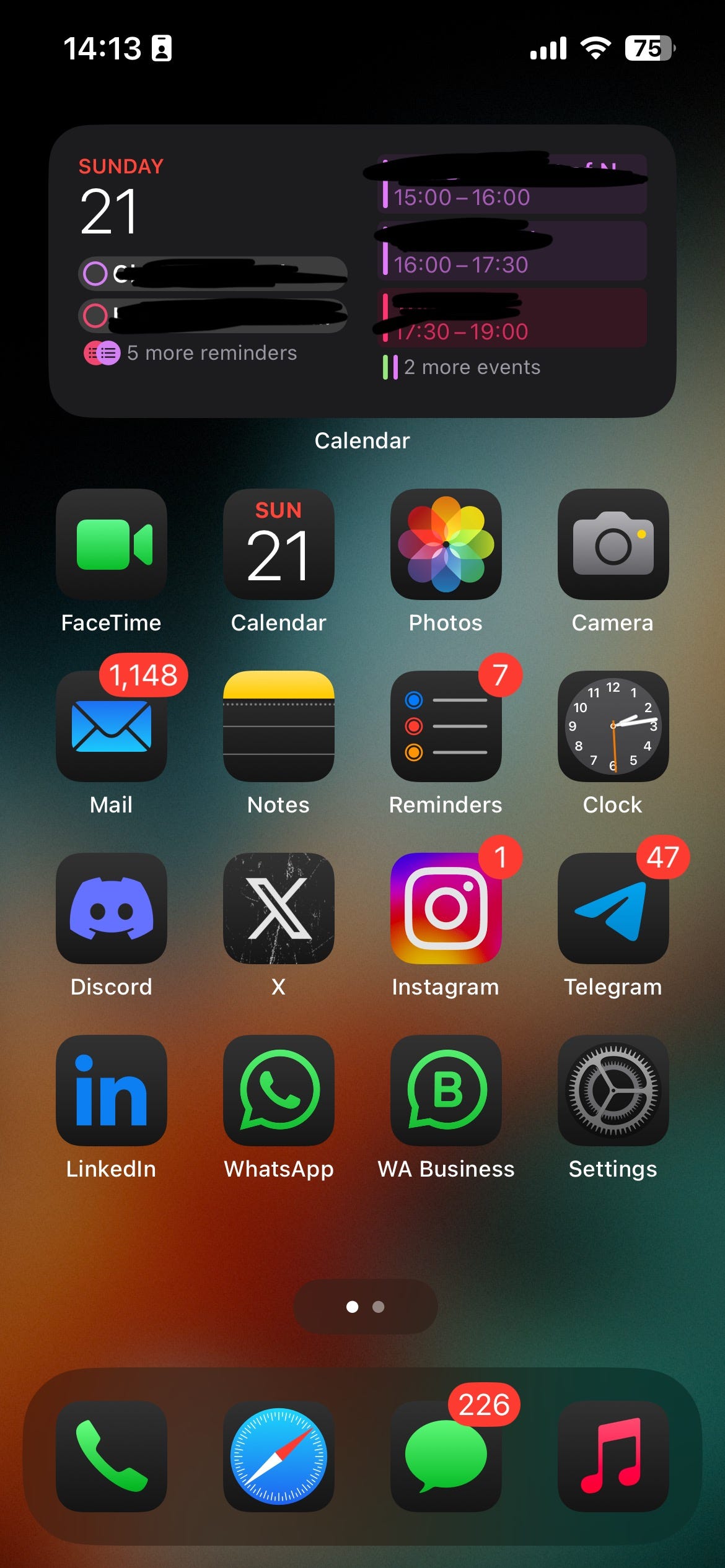
My home screen layout (Running on iOS 18 Developer Beta 3.5)
FINAL BOSS — Notifications
Part 1; notifications settings
We receive hundreds of unnecessary notifications per day. The percentage of what we need to be alerted about is pretty low. This way you NEED to head to your notifications settings and start turning off notifications access on most of your apps, keeping the important ones like chatting apps (WhatsApp, Messages, Telegram, etc.)
To go even deeper with this, I set up some apps with normal banner alerts but with muted notifications (like Instagram). Some other apps with time-sensitive notifications and so on. You have to be creative in this. Customize your notifications experience to suit your interests.
Part 2; Do Not Disturb
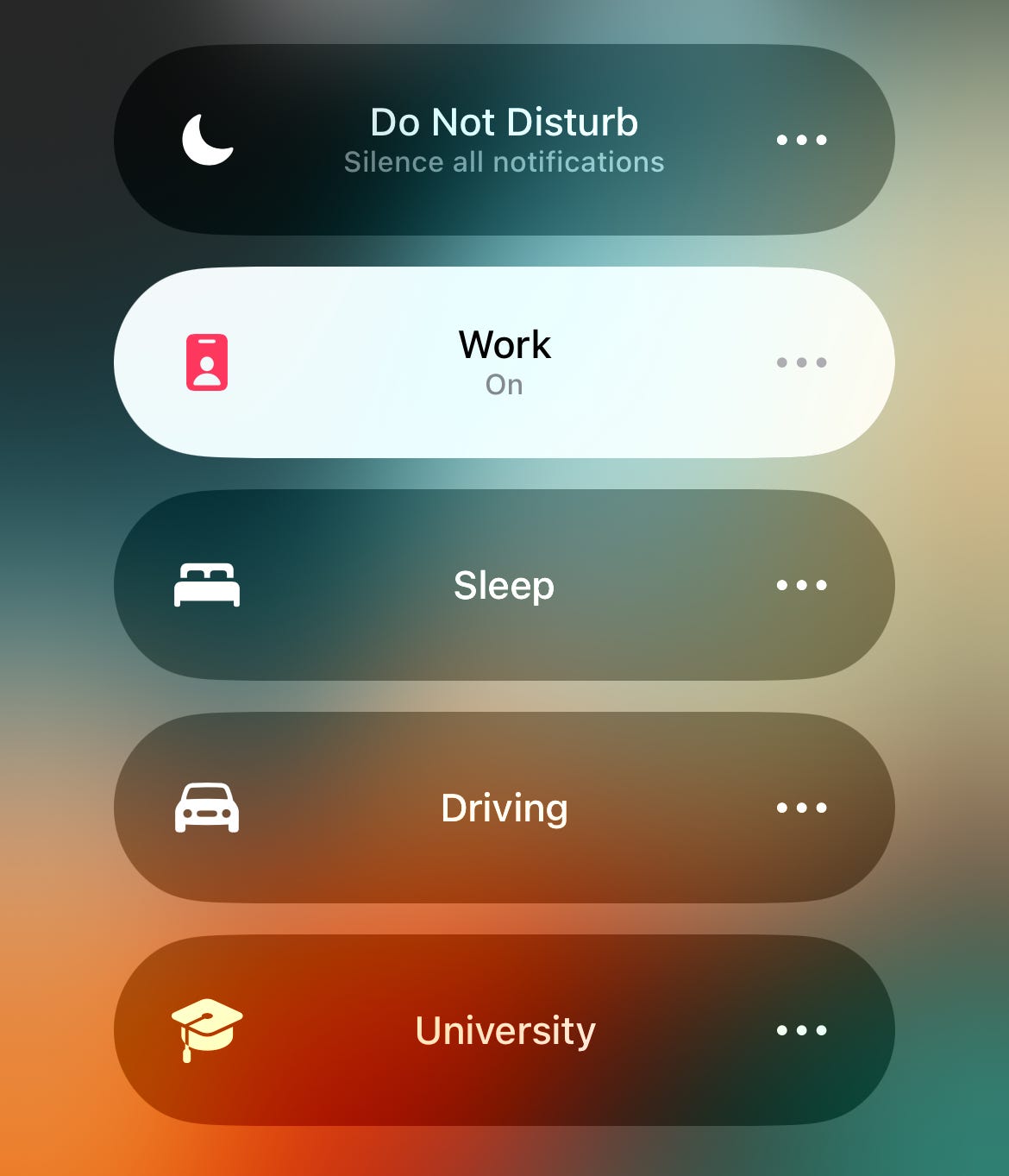
People underuse this feature. The Do not Disturb feature plays a major role in our lives, especially when we need to focus. Whether you’re having a work session, a university class, whether you’re driving or sleeping. Whenever you don’t want to be distracted, DND is there to help.
Part 3; Screen Time and App Blockage
Some people, including my past self, can still go through all the past stages and end up doomed scrolling through TikToks or Reels. This is where extreme measurements need to be taken into consideration.
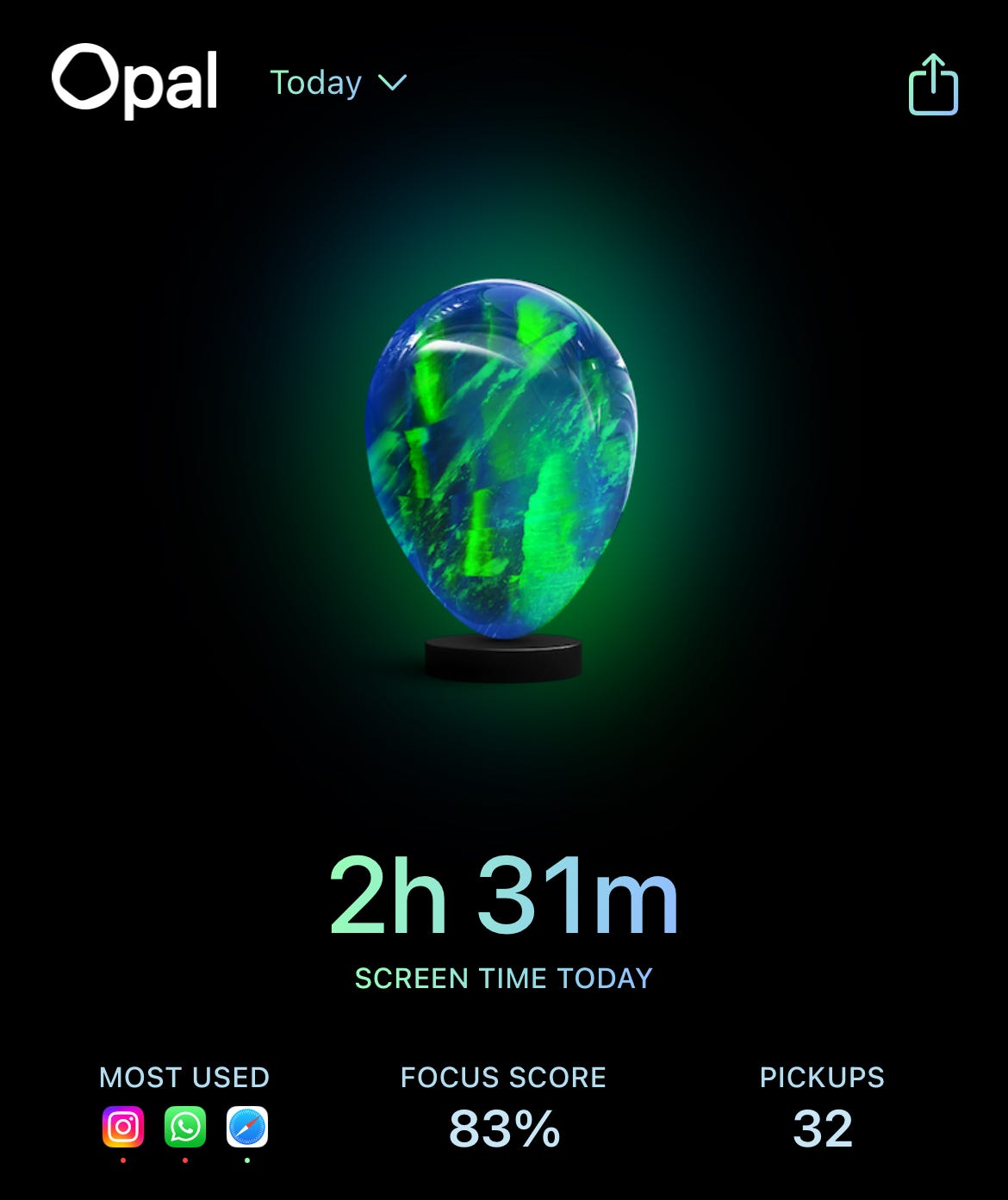
I’ve tested tons of apps and settings, like screen time settings, the OneSec app, and some other screen time-related apps; none worked. Until I watched one video by Ali Abdaal on YouTube in which he recommended a not well-known, yet amazing app called ‘Opal’. Opal is not only a screentime-limiting app. It’s also a great tool to improve focus by not just eliminating distractions, but making it impossible for you to reach them in the first place. Once a block session is started, you can’t open any of the blocked apps. Unless you go to Opal to snooze or leave a block session, which you’ll need to wait around 1 minute before getting access to that. Enough time to reconsider your choice.
Remember, habits are built when they’re easy to do. So, to quit bad ones, you have to make it as hard as possible to do it in the first place. Create obstacles between you and your distractions, and over time, you won’t be interested in them at all.
In summary, the top 3 enemies of focus on your phones are; Apps, Clutter, and Notifications. By keeping your smartphone clutter-free, with a minimalistic home screen layout and fewer notifications, focus can’t be any easier.
BONUS — Removing Distractions off of your PC

Start by removing any apps from your desktop. Keep only your most used ones in the dock/taskbar. A minimal desktop doesn’t only improve focus but keeps a calm, stress-free mind.
Turn off notifications completely on your laptop/computer. You don’t need them.
Don’t install any games or social media apps, laptops and computers are not made for these. (Exception, if you’re an influencer who posts on 𝕏 or LinkedIn, you don’t have to uninstall these. I’m talking about sites like TikTok and Instagram)
That’s it for today, if you have any extra tips for a more cluttered free, and nondistracting digital space, let us know in the comments :)